Contacting a seller: chat, call or WhatsApp — which to use
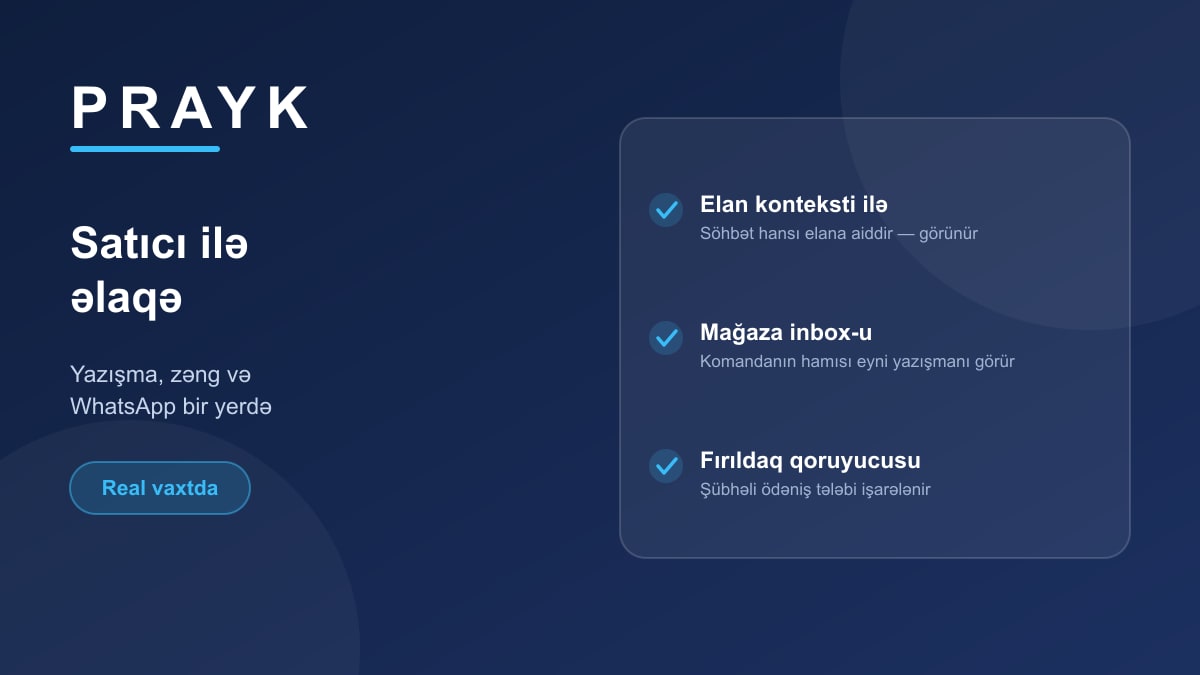
You've found the listing — now you need to talk to the seller. Prayk offers three routes, and each has its place.
1. The built-in chat
The Message button on the listing page opens a conversation. Its advantage is context: the top of the thread shows which listing it's about, so juggling several sellers at once doesn't get confusing.
Messages arrive in real time — no refreshing, replies appear as they're written. Unread ones show on a counter, and you can also take the alert by email or as a browser notification.
Most importantly, you are not obliged to hand over your number in chat. Agree the terms first and move to the phone only when it actually helps.
2. Calling
The phone number sits behind the "Show number" button. It is never printed openly on the site — it appears after a click, and the call button goes live with it. Why it's built that way is explained separately.
3. WhatsApp
If the seller has enabled WhatsApp, you can jump straight there from the listing page — the conversation opens with the listing's link, so the other side immediately knows what it's about.
For stores: a shared inbox
In a store account the chat is shared with the team: every store user sees the same inbox and replies go out in the store's name. So a customer isn't left waiting while one colleague is away.
Safety
An automatic fraud guard runs inside chat: messages demanding prepayment, a "courier link" or card details are flagged with a warning. The details are in this article. The short rule: don't send money before you've seen the goods.