Prayk Forum: boards, your own topics and a machine answer to "Still for sale?"
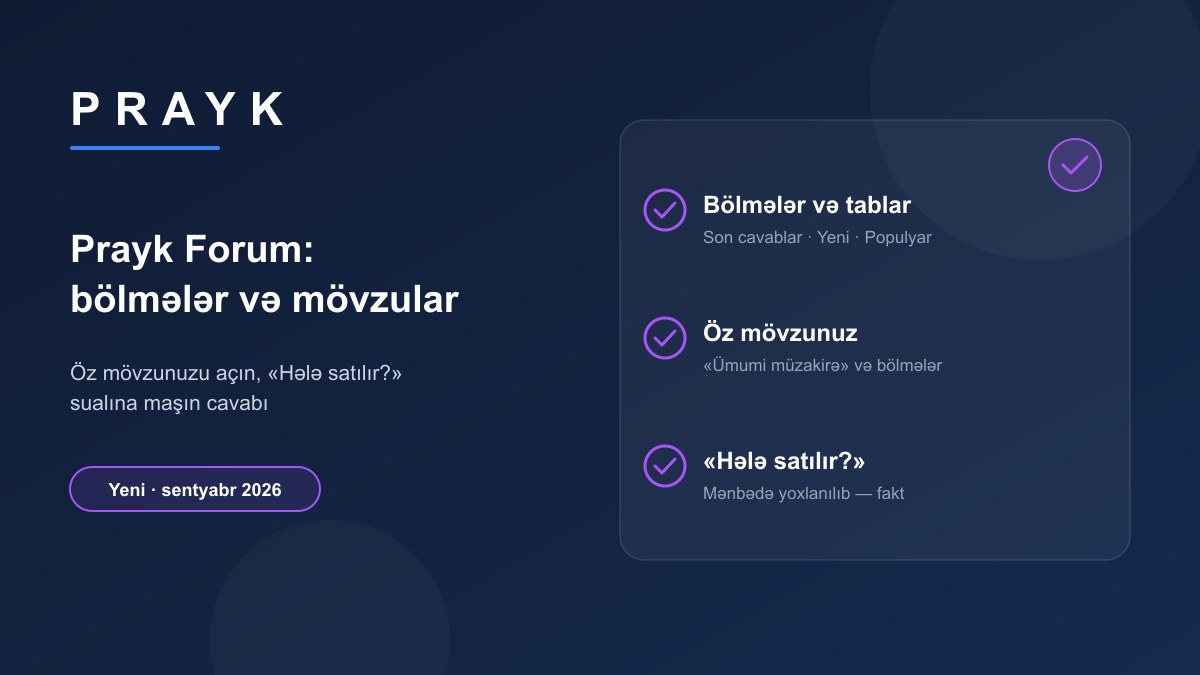
The forum used to be "a list of listings with comments". In September we turned it into a real forum board: boards, sorting, a page for every thread and — for the first time — the ability for users to open their own topics. The mobile app has the same forum.
1. Boards and tabs
Where: /forum — a board column on the left, tabs at the top.
How it works: the boards are the site's root categories (Products, Cars, Real estate, Services…) plus "General discussion" for topics about Prayk and anything not tied to a listing. Tabs: Latest replies, New topics, Popular (by comments and views) and Unanswered. Each row shows the topic, comment count, views and the last poster. The filter is kept in the URL, so the link can be shared.
2. A listing thread
Every listing with comments is a thread on the forum: the listing itself at the top of the page (photo, price, seller), the discussion below. The link from a listing page to the forum sits in the comments block and appears only when there are comments. The "Answered" badge does not lie: it shows only when a buyer asked and the owner wrote after that. A thread with no question has no badge.
3. Your own topic
Where: the "New topic" button on the forum (/forum/new); an account is required.
How it works: pick a board, write a title and text — the topic goes straight into the feed and other users reply. The rules are stated in the form: insults, advertising, phone numbers and duplicate topics are removed; a question about a specific listing is better asked on that listing's page, where the seller sees it. You get a notification when your topic receives a reply; several replies in one day are grouped into one message: "your topic got N new replies today".
4. "Still for sale?" — a machine answer
Most buyer questions on the forum were a single phrase: "Still for sale?". A collected listing has no seller on Prayk to answer it — the message went into the void. Now such listings show a fact instead of "Ask the seller": the system checks whether the listing is still visible on its source site and writes the result — the listing is still there, or it is gone. This answer is not possible for every listing: the source check covers only listings tracked in the last few days; for the rest, no claim is made. On a listing posted by the owner, the question still goes to the seller as before.
5. For the listing owner
The notification about a comment on your listing shows as a count on the bell; several comments on one listing in a day are grouped into one line. On a listing with no questions, repeated promotional comments ("Urgent sale", "Write to my WhatsApp") are blocked — the forum is a place for discussion, not a sales board.
Where to start
Open the forum, pick a board and look at the "Unanswered" tab — someone is asking what you know. For suggestions and opinions about Prayk, open a topic in "General discussion"; the "Suggestion and feedback" hint on the Contact page leads there too.