It finds it even when you mistype: how Prayk search works
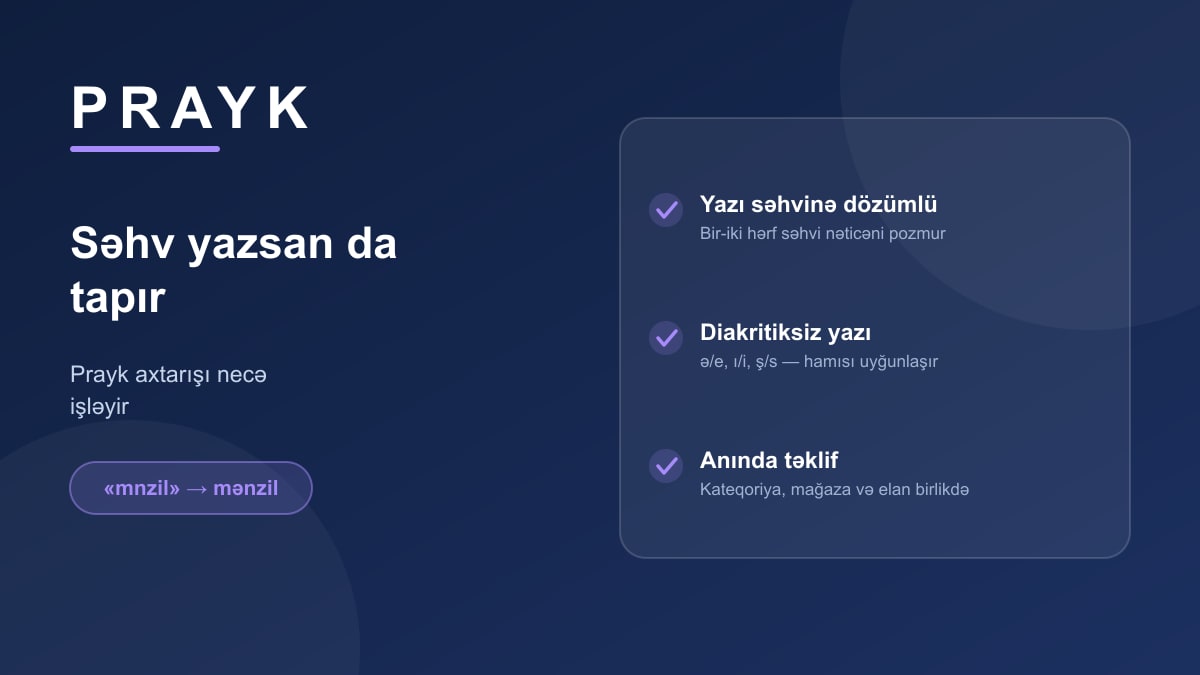
Good search is search you never notice. On Prayk the word you type passes through several layers — and the result simply looks "right". Below we open those layers up.
It forgives typos
"Mnzil", "telfon", "mrsedes" — queries with a dropped or swapped letter still return the right thing. A one- or two-character difference is treated as closeness, not an error. So typing in a hurry is fine.
Azerbaijani letters are optional
If your keyboard has no ə, ı, ş, ç, ğ, ö, ü, just write e, i, s, c, g, o, u — the result is the same. It works both ways: the listing title may carry the proper letters while your query uses the plain ones.
It suggests as you type
After the first few letters the dropdown shows three kinds of result at once: categories, stores and listings. Type "samsu" and you can jump in one click either to the Samsung categories or to specific listings.
Narrowing things down
Filters change per section: rooms, floor area and floor number in property; make, model, year and mileage in cars; storage and condition in electronics. City, price range and "with photos only" are everywhere. If geography suits you better, there is the listing map.
Sorting and saving
Results can be sorted by price, date and distance. If you search for the same thing often, save the query — you'll hear about matching new listings without searching again.
When words don't get you there, two other routes exist: image search and licence plate search.