Dark mode on Prayk: an easier view for browsing listings at night
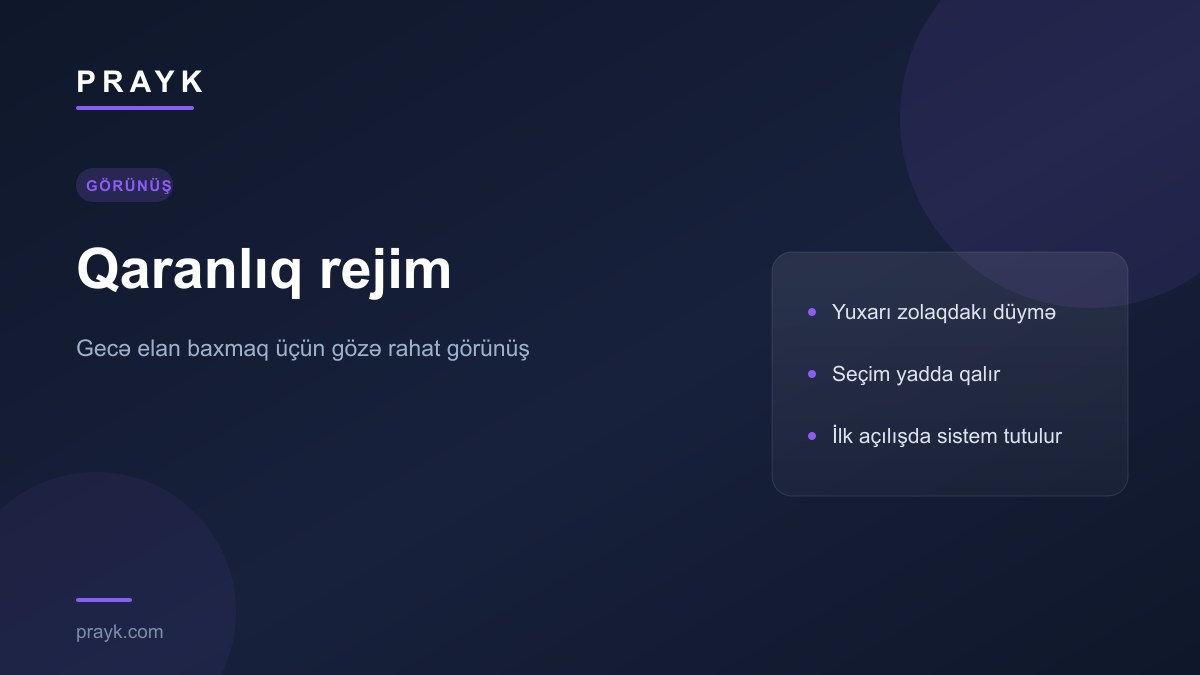
Much of listing browsing happens in the evening — after work, in bed, with the lights off. A white background tires the eyes at that hour. Prayk now has a dark mode: one button in the top bar is all it takes.
Where the button is
On desktop the toggle sits in the row of account icons, next to the notification bell, labelled Dark mode. In the mobile view it is its own row in the menu: icon, name and a switch on the right. The label always names the target mode — Dark mode means tapping it will go dark, Light mode means the opposite.
How it behaves
- Your choice is remembered. Pick it once and the site opens the same way next time.
- On a first visit the system wins. If you have not chosen anything, your phone or computer setting is used — a device in dark mode opens the site in dark mode.
- No flash. The theme is applied before the page is painted, so a light background never flashes up first.
What changes
This is not a simple colour inversion — listing cards, filters, maps, price charts and the chat window were each tuned separately so that text stays readable everywhere. Listing photos are left alone: their colours are never altered, because a buyer needs to see the real colour of the goods.
Where it is, and where it is not yet
Dark mode currently works on the website. It is not in the mobile app yet — that styling will come with a later update. About the app: the Prayk mobile app.
Other small tools that make day-to-day use easier are collected here: Prayk's everyday tools.