Notifications: you decide when we get in touch
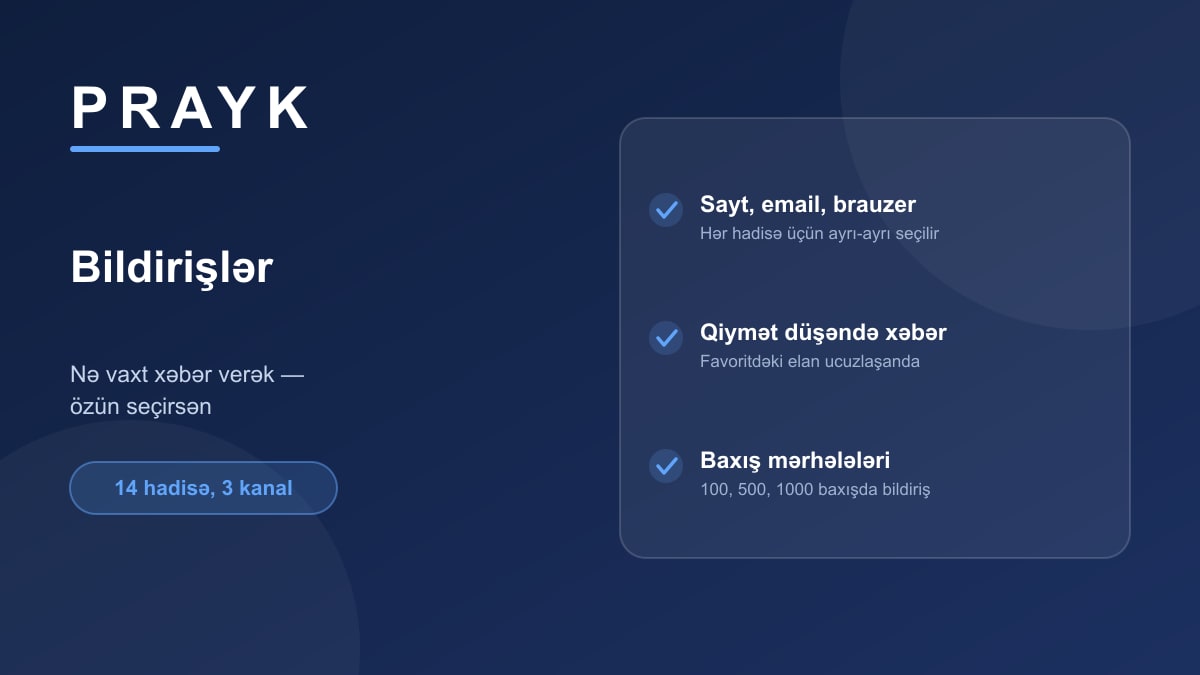
Notifications are either useful or maddening — the difference is control. On Prayk every event type is switched on and off separately, and you choose the channel for each one.
What we tell you about
On the buyer's side:
- Price dropped — when something in your favourites gets cheaper;
- Saved search — when a new listing matches your query;
- Location radar — when a listing appears inside your pin's radius;
- Watched plate — when the car with that registration plate goes on sale;
- "Wanted" match — when the thing you're after shows up on the site;
- A store you follow publishes a new listing;
- Recommendations — a selection based on your interests.
On the seller's side:
- Listing status — published, cleared moderation, or needs fixing;
- Your number was revealed — when someone presses "Show number";
- View milestones — at 100, 500, 1,000 and 5,000 views;
- A gift — when a listing that hits a milestone is bumped for free;
- A comment on your listing;
- Referral bonus — when a friend you invited signs up.
Three channels
Each event has three channels: the notification centre on the site (the bell), email, and browser notifications that arrive even with the tab closed. It is a matrix: you might take price drops by email and browser, and keep recommendations on the site only.
Keeping it from becoming a flood
When many events of the same type happen in a day they are bundled into one notification ("7 new listings in your radar today"), and there is a daily ceiling. Subscribing to a whole category won't force you to silence your phone.
It's all in one place: cabinet → Notifications, where a single switch also turns on browser notifications.