Build your store a page: your own mini-site out of blocks
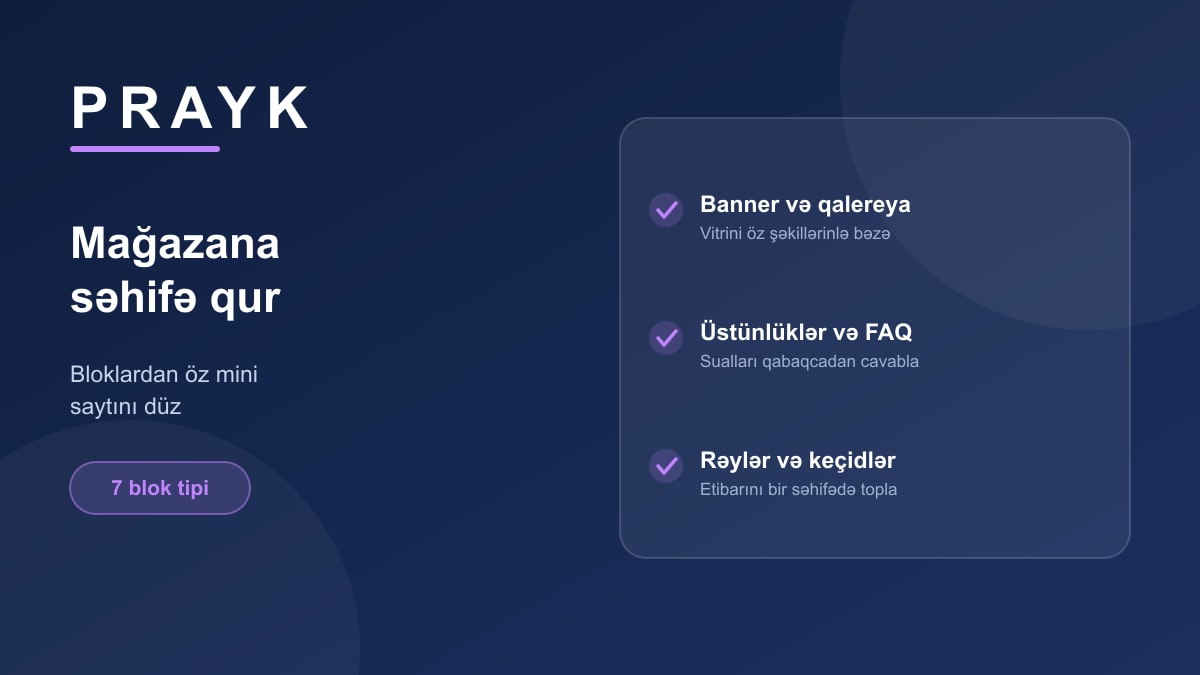
If you run a store, a list of listings is rarely enough: customers want to know who the company is, whether there's delivery, how long the warranty runs. Prayk's page builder turns your store page into a mini-site of your own — with no code at all.
The blocks
The page is assembled from ready-made blocks; each one can be switched on, off and reordered:
- About — the store description;
- Highlights — short points as cards (delivery, warranty, installation);
- Banner — a promo block with image, text and link, for campaigns;
- Gallery — photos of the shop, the team or past work;
- Reviews — customer reviews;
- FAQ — the questions you keep being asked;
- Links — social profiles and other accounts.
Where to find it
In your cabinet, pick the store and press Page builder. Fill the blocks, order them, save — the changes show on the public page immediately. The logo, cover image and store sections are managed from the same place.
Why it matters
Simple reason: when two stores list the same item at the same price, the customer picks the one that explains itself better. A well-filled page builds trust and cuts down phone calls — the answers are already on the page.
No store yet? Open one in a minute; to see how others look, browse the stores section.