What does the "Good deal" badge mean? How Prayk compares a price to the market
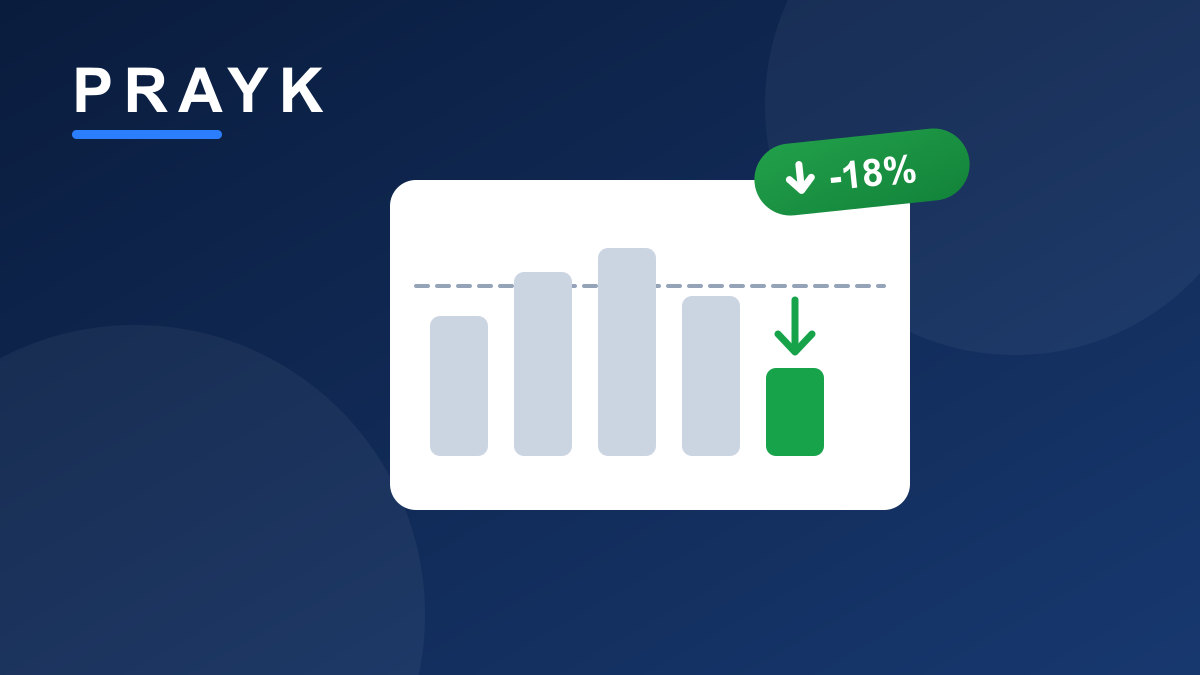
On Prayk you keep seeing a green "Good deal" badge — on listing cards, in the mobile app, in the comparison table and in the filters. It isn't a marketing word or a seller's claim: there's a concrete calculation behind it. Below we explain step by step what the badge means, where the number comes from and how to read it.
The short answer
"Good deal" means the listing is priced at least 10% below the median asking price of similar listings. The number next to the badge — say "Good deal −18%" — is the size of that gap: this listing is roughly 18% cheaper than the middle of its peers. The badge is awarded fully automatically; a seller cannot request, earn or buy it.
Where the number comes from: the comparison basket
Prayk doesn't compare a listing against "everything" — only against listings that genuinely resemble it. We call that group the comparison basket:
- For cars, the basket is built from the same make, model and year — a 2018 Toyota Camry is only compared with other Camrys of the same model and year.
- For real estate, the basket is built from the same deal type (sale, monthly rent, daily rent) and the same property type (apartment, house, land, commercial, garage). When a listing has coordinates, the comparison uses neighbours within a 500-metre radius — a flat in a seaside complex doesn't land in the same basket as one in the next district. If there aren't enough listings nearby, the calculation falls back to district and city level.
A basket needs at least 8 comparable listings. With fewer than that no percentage is shown at all — "statistics" from 2-3 listings would be misleading. We use the median (the middle price), because one or two unrealistic prices easily distort a plain average.
These are ASKING prices, not sale prices
The comparison is built on the prices of live listings — on what sellers ask, not on closed deals. So "−18%" means this listing is cheaper than what other sellers are asking. Negotiation, payment terms and the item's actual condition can still change the final figure. Read the badge as a signal, not a guarantee.
Which listings can get the badge
- Only in the cars and real estate sections — that's where there is enough structured data (make, model, year, rooms, area...) to compare.
- Active listings published within the last 60 days.
- Car listings priced under 500 AZN are excluded — such figures are usually a deposit, a monthly payment or a spare part.
- Car rental listings are never compared against car sales (otherwise every rental would look like "−95% good deal").
- If the listing has a discount, the effective price — the discounted one — is what gets compared.
How often it refreshes
The calculation runs in the background every 6 hours. Recomputing it per card while a list loads would slow the page down visibly — so the badge always reflects the picture of the last few hours.
One important detail: when a seller raises the price, the old badge doesn't stick. Rows that aren't recomputed are removed automatically — if the listing is no longer below market, the chip simply disappears on the next cycle.
Where you'll see it
- The green "Good deal −X%" chip on the listing card — both on the site and in the mobile app.
- The "Good deals" section on the home page.
- The "Good deals" option in the filters — one click narrows the whole list to these listings.
- On the listing page, under the price: the line "~X% below the market asking price" and the note "based on the asking prices of N similar listings". Click it and the comparison basket itself opens: which listings were used, their prices and their distance.
- As its own row in the comparison table — the "⇄" button on cards lets you line up to 4 listings side by side.
"Good deal" doesn't always mean "good"
The badge only looks at the price, not at the condition of the item. A low price may mean a rushed sale or a genuine discount — but it can also mean a fixer-upper, an accident history, paperwork problems, an incomplete description or simply a typo in the price.
So read it alongside the other signals: the number and quality of photos, how complete the description is, the seller's profile and badges, the "Original" badge (the listing isn't a copy) and the "AI checked" status. And the main rule doesn't change: never send a deposit or prepayment before seeing the item.
From the seller's side
The system isn't working against sellers — it helps you price correctly. The Listing Doctor in your cabinet says it outright when your price is above market: "Priced ~X% above the market asking price". And while you're posting, the market range and the average time similar listings take to close appear right under the price field.
If you want a concrete number, the "What's it worth?" calculator computes the market range by make/model or address instantly. A modest price cut often moves a listing into the "Good deals" section — which means extra free exposure.
Browse the good deals or open the market prices section — the numbers are open, the decision is yours.