Choosing a graphics tablet (digitiser): types, pressure and prices
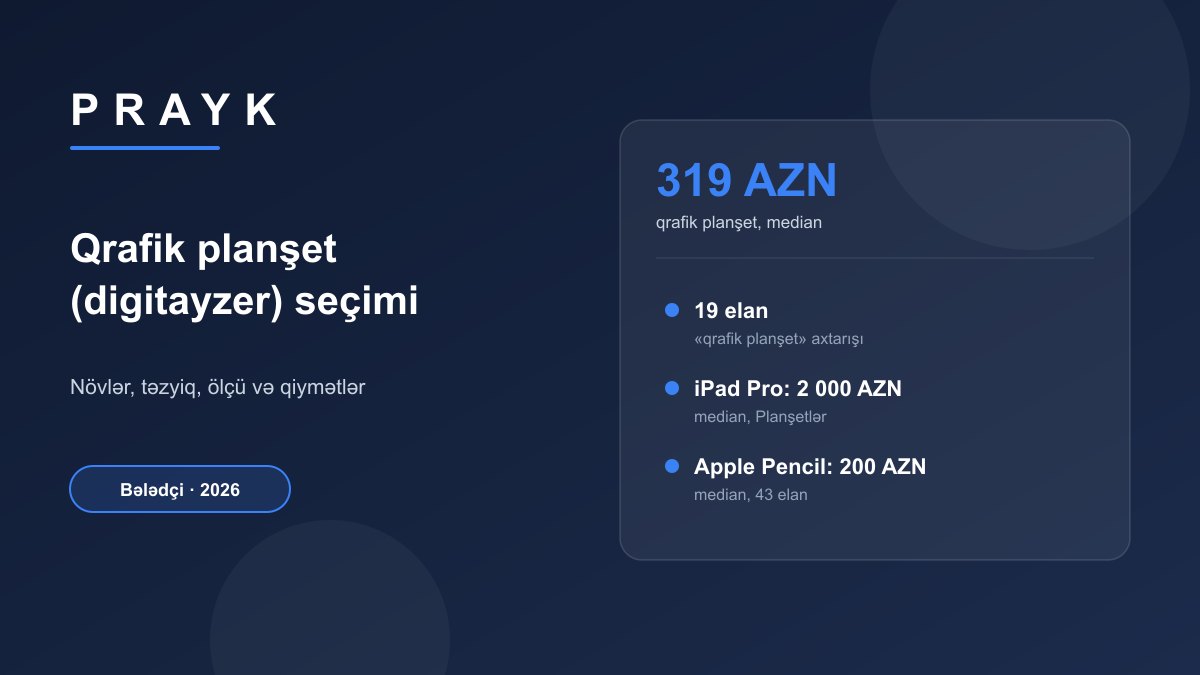
A digitiser, or graphics tablet, lets you draw on a computer with a pen instead of a mouse: the harder you press, the thicker and darker the line. There are two main types — on a pen tablet without a screen you draw on its surface and watch the result on your monitor, while on a pen display you draw directly on the screen. As of 22 September 2026, Prayk has 19 listings titled "graphics tablet" (qrafik planşet), with a median price of 319 AZN and half of the listings between 175 and 474 AZN.
Short answer: a medium-sized pen tablet without a screen is enough for beginners, while a 13–16-inch pen display suits professional illustration; 8,192 pressure levels is the ordinary standard today. Prayk (22.09.2026) has 19 "graphics tablet" listings with a median of 319 AZN; screenless XP-Pen and Huion models are offered for 95–449 AZN and pen displays for 449–880 AZN. As an alternative, the median iPad Pro is 2,000 AZN and the Apple Pencil 200 AZN.
Who needs a digitiser?
Graphics tablets are primarily for digital artists, illustrators, animators and comic creators. But the uses go further: in photo retouching, masks and selections are much faster with a pen than a mouse; in 3D sculpting (for example in Blender) pressure sensitivity helps shape forms; and online teachers write formulas and diagrams on screen by hand. Players of the rhythm game osu! also favour small tablets.
A terminology note: in phone repair, "digitiser" also refers to the touch glass of the screen. The word hardly appears in listing titles on Prayk — a "digitayzer" search today returns not graphics tablets but other goods with a similar spelling (organisers, for example). Search for "qrafik planşet" or go straight to the brand name (XP-Pen, Huion).
Types: screenless, pen display and standalone
| Type | How it works | Who it suits | Price on Prayk (22.09.2026) |
|---|---|---|---|
| Screenless pen tablet | you draw on the tablet surface and the line appears on the monitor | beginners, students, photo retouching, osu! | 95–449 AZN (XP-Pen Deco, Huion) |
| Pen display | you draw directly on a screen connected to the computer | illustrators, animators, comic artists | 449–880 AZN (Huion Kamvas, XP-Pen Artist and Innovator, Gaomon) |
| Standalone tablet (iPad + Apple Pencil) | no computer needed, the software runs on the tablet itself | on-the-go drawing, sketching, Procreate users | median iPad Pro 2,000 AZN, Apple Pencil 200 AZN |
| LCD writing board | does not connect to a computer, just an erasable memo board | children, quick notes | 45–70 AZN (not a digitiser) |
Getting used to a screenless tablet usually takes a few weeks: your hand is in one place and your eyes are on the monitor. On the other hand it is cheap, takes up little space and, with an upright posture, is easier on the neck. A pen display feels more like paper, but it is more expensive, bulkier and warmer, and your hand covers part of the drawing.
Which models are on Prayk and at what price?
All 19 "graphics tablet" listings are from Baku. Of these, 10 are screenless tablets, 5 are pen displays and 3 are Xiaomi LCD writing boards listed as graphics tablets (the type of one listing is unclear from its title). Below are examples of listings whose type is clear:
| Model | Type | Listing price |
|---|---|---|
| XP-Pen Deco 01 | screenless | 95 AZN |
| XP-Pen Deco 01 V3 | screenless | 170 AZN |
| Huion H1161 | screenless | 180 AZN |
| XP-Pen Deco Pro Small | screenless | 299 AZN |
| XP-Pen Deco Pro Medium | screenless | 319 AZN |
| XP-Pen Deco Pro LW Gen2 (wireless) | screenless | 449 AZN |
| Artisul D16PRO | pen display | 449 AZN |
| Huion Kamvas 13 (Gen3) | pen display | 585 AZN |
| XP-Pen Innovator 16 | pen display | 599 AZN |
| XP-Pen Artist Pro 16 | pen display | 799 AZN |
| Gaomon PD2200 | pen display | 880 AZN |
By brand, a "Huion" search finds 3 listings, while a "Wacom" search today returned not a single Wacom listing. Supply is thin, so if the model you want is missing, post a "Looking for" request and let sellers find you, or save your search and Prayk will notify you when a matching listing appears (how to set it up). There is no separate catalogue section for graphics tablets; they are usually posted in the Tablets and Peripheral devices sections.
Selection criteria
Active area size
The active area is the rectangle the pen "sees". Small tablets (roughly 6×4 inches) are handy with a laptop, on a crowded desk and for osu!. A medium size (roughly 9–10×6 inches) suits most artists working with a 24–27-inch monitor: you can draw lines from the arm, not just the wrist. Large tablets need a large monitor and a wide desk. Keep the active area's aspect ratio close to your monitor's (for example 16:9) so that circles do not turn into ovals.
Pressure levels, activation force and tilt
Pressure levels show how many steps the pen divides your pressure into. Today 8,192 levels is standard and some new models claim 16,384; in practice few people notice the difference. More important is the initial activation force (in grams): the lower it is, the better light sketch lines register. Tilt support changes the brush shape when you angle the pen — useful for shading, usually specified as ±60°.
Pen and connection
On most modern tablets the pen is battery-free: it draws power from an electromagnetic field and never needs charging. The pen tip (nib) wears down over time, so spare nibs should be in the box. For a pen display, check how it connects: a laptop with a full-function USB-C port needs just one cable, otherwise you need a "3-in-1" cable (HDMI, USB and power). A laminated screen (no gap between glass and panel) reduces the offset between the pen tip and the line, and colour gamut (the sRGB percentage) matters for colour work.
Driver and software
A tablet only works fully with the manufacturer's driver, which is where you set up the buttons, active-area mapping and pressure curve. Before buying, check on the official download page that the model supports your operating system: XP-Pen, Huion, Wacom.
iPad and Apple Pencil: a replacement for a digitiser?
An iPad needs no computer, so it is convenient for drawing on the go or on the sofa, and apps such as Procreate run only on the iPad. But this route is expensive: Prayk's Tablets section has 126 iPad Pro listings with a median price of 2,000 AZN and half between 885 and 2,387 AZN; the median of 43 Apple Pencil listings is 200 AZN (half between 150 and 260 AZN). Not every iPad works with every Apple Pencil — check generation compatibility on Apple's official page. iPad versions of desktop software also often differ in features. Apple tablets are collected in the Apple tablets subsection.
What to check when buying a used graphics tablet
- The pen must be original and included. The pen is the part most often lost and is expensive on its own; a pen from another model may not fit. Spare nibs and pen cases are in the tablet accessories section.
- Test the pressure. In the driver's test window or any drawing app, draw a line from light to hard pressure: a thin line should not break up and a slow diagonal line should not wobble.
- Check the whole surface. There should be no "dead zones" in the corners or along the edges; express keys and the dial should work.
- On a pen display: dead pixels, scratches on the glass, backlight bleed, a sturdy stand and all the cables.
- On an iPad: stay away from devices described as "bypassed" — it means the activation lock has been circumvented, and the device may lock again after an update.
Frequently asked questions
Is a digitiser the same as a graphics tablet?
Yes, in the drawing context "digitiser" is another name for a graphics tablet. In phone repair, however, the word refers to the touch glass of the screen. On Prayk, searching for "qrafik planşet" or the brand name gives more accurate results.
Which graphics tablet is right for a beginner?
A medium-sized screenless tablet is enough for a beginner: it is affordable and builds the core skills. As of 22 September 2026, screenless XP-Pen Deco and Huion models are offered on Prayk for 95–449 AZN.
Should I buy a pen display or a screenless tablet?
A screenless tablet is cheaper and more ergonomic, but it takes a few weeks to get used to hand-eye coordination. A pen display feels more natural, but it costs more: on Prayk pen displays are offered for 449–880 AZN (22 September 2026). If you draw professionally every day, a pen display saves time.
How many pressure levels do I need?
8,192 levels is the standard today and is enough for drawing; few people notice the difference with 16,384. The pen's initial activation force and line stability matter more than the number of levels.
Can an iPad replace a graphics tablet?
Yes, especially for people who draw in Procreate, but it costs more: on Prayk the median iPad Pro listing is 2,000 AZN and the Apple Pencil 200 AZN (22 September 2026). For software running on a computer, a screenless tablet or a pen display is the better fit.
Sources and methodology
Figures were taken from Prayk's public catalogue on 22 September 2026. As the catalogue has no separate section for graphics tablets, the title search covered the entire catalogue: "qrafik planşet" (19 listings), "Huion" (3 listings), "Wacom" and "digitayzer" (neither returned a relevant listing). The median and the 25th–75th percentile range were calculated from all 19 listings using AZN prices only; the sample is small, so treat it as a guide, and it also includes 3 LCD writing boards. Prices in the model table are those of specific listings on 22 September 2026 and may change. The iPad Pro figures come from an "iPad Pro" search in the Tablets section (126 listings) and the Apple Pencil figures from a catalogue-wide search (43 listings). Technical information is based on manufacturers' official websites.