📅 12 September 2026
✍️ Prayk editorial team
Before you buy a car: which certificates «mygov» now provides, and what to check on Prayk
The most expensive mistake when buying a used car is skipping the paperwork. The good news: most of the check now fits on a phone. The Interior Ministry's vehicle services have been integrated into the «mygov» platform, and the Justice Ministry's power-of-attorney services have been added there too (source: navigator.az).
What you can check in «mygov»
- Certificate on whether a vehicle is under search or encumbrance — the car's legal status: pledge, restrictions, search. This is the first document to open before buying.
- Roadworthiness-test data — whether the test is in place and until when, visible in the platform's data section.
- Damage certificate — the application is filed digitally and the certificate is issued through the platform.
- Driving-licence replacement — data checks, photo selection, registration office and payment in a single flow.
- Powers of attorney — a power of attorney for banking operations and confirmation of a power of attorney to a lawyer are issued under «Services» (the «Employment» and «Personal» categories), with status tracked in «Application history».
What to check on the Prayk side
Documents settle the legal side; the listing side is covered by our tools:
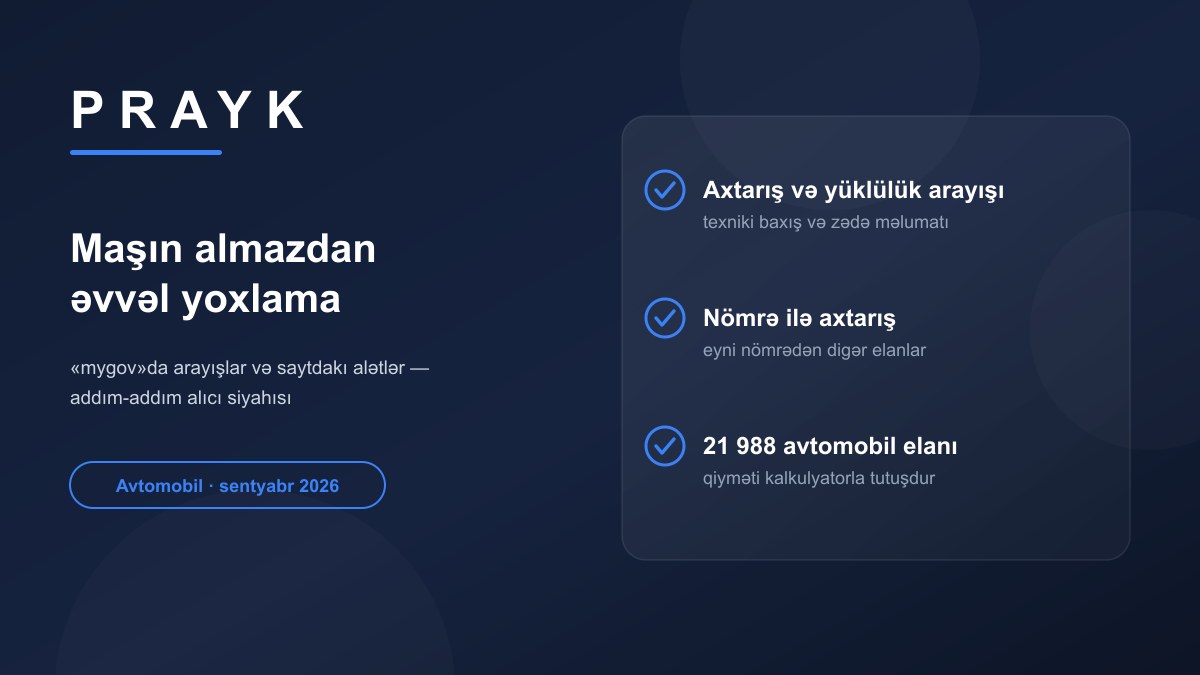
- Compare the price for the same model and year. The Cars section held 21,988 listings on 12 September 2026, and the calculator gives the market range for a specific model.
- Check the seller's number. Search by phone number shows other listings posted from the same number — which is how a dealer posing as a private seller becomes visible.
- Seen the same listing elsewhere? «Check by link» finds the Prayk equivalent and the price difference.
- Do not hand over your number early. Agree terms in the chat on the listing page — how phone protection works.
Sources: navigator.az — vehicle services, navigator.az — powers of attorney.