How the balance works: top up by card, pay for services from the balance
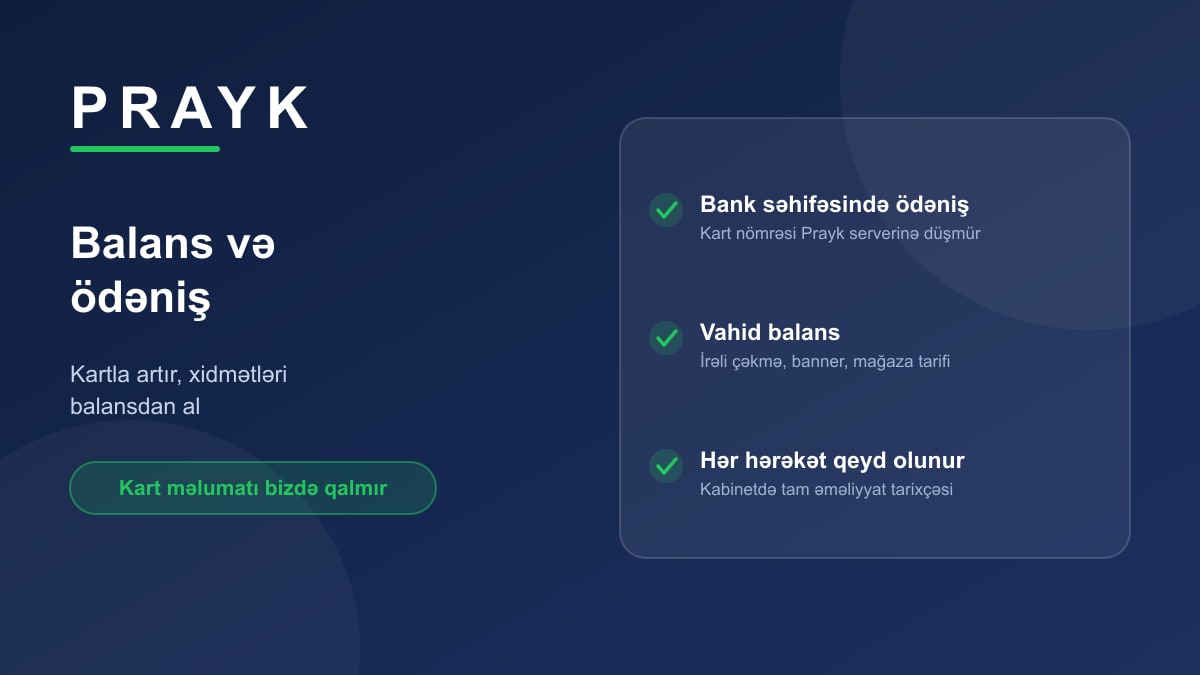
Prayk's paid services — promoting a listing, banner advertising, a store plan — are all paid from one place: your balance. It saves re-entering card details on every purchase and keeps all spending in one list.
Topping up
In the Balance section you enter an amount and go to payment. The payment happens on the bank's own secure page — the card number, expiry date and CVV never reach Prayk's servers at all. Once the payment is confirmed the amount lands on your balance and is ready to use immediately.
Spending
Promoting a listing, ordering a banner or buying a store plan draws from the balance. If it's short, the system says so at once and shows the missing amount — after payment the purchase continues, with no need to start over.
Everything is logged
The balance section holds the full transaction history: when you topped up, which service took how much, what came back. Refunds are here too — if a banner order fails moderation, for example, the full amount returns to your balance.
Common questions
- Does posting cost anything? No. Posting a listing, uploading photos, messaging a buyer — all free. The balance is only for optional services.
- Is there a commission? No cut is taken from sales — you deal with the buyer directly and the money never passes through Prayk.
- Is my card saved? No, we don't store card details — every payment runs on the bank's side.
For what each service costs see the tariffs page; for what they actually do, our article on packages.