Build your CV in 10 minutes on Prayk: 7 templates, 24 job examples, PDF and a share link
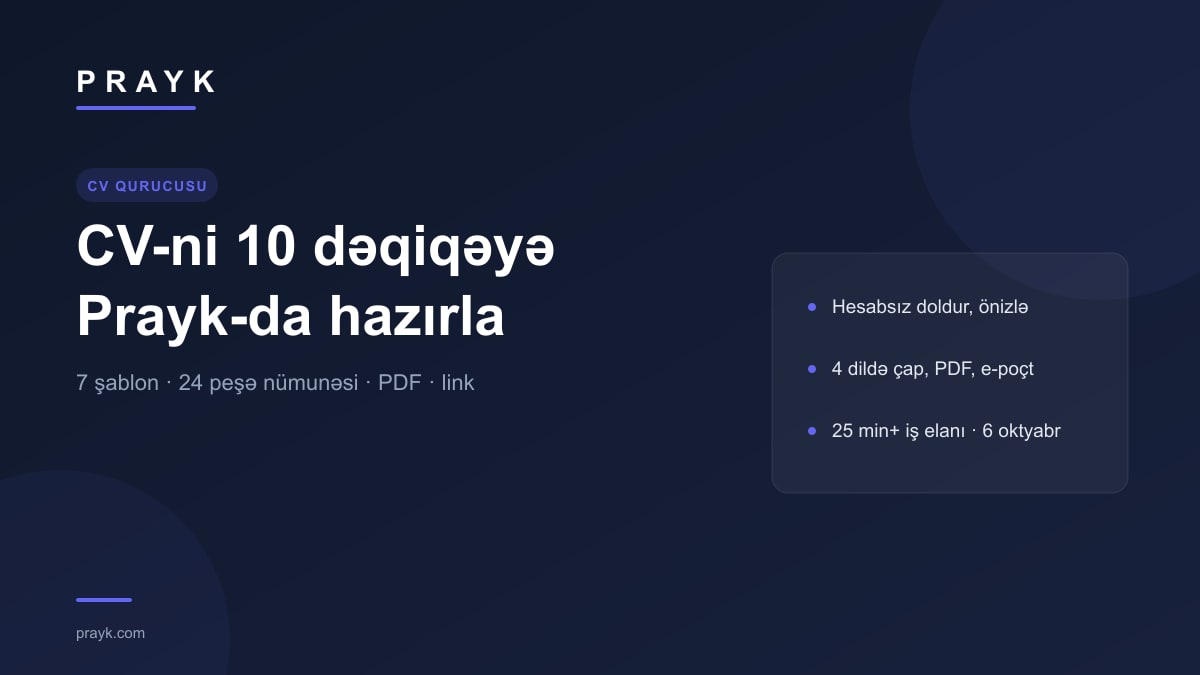
Prayk's CV builder is a free tool for job seekers: you fill in your details once, pick one of 7 templates, save a PDF, e-mail it to an employer or share it by link. This is not a repeat of the "How to write a CV" guide; it is about the builder itself, step by step: how to use it, what needs an account, where your data is stored and how to move from a finished CV to vacancies.
Context in numbers: as of 6 October the Jobs section holds over 25,000 listings, about 23,800 of them in Vacancies and over 1,100 in Job search. We covered the content of a CV (sections, mistakes, cover letter) in a separate guide in September; we do not repeat that advice here.
Step 1: fill in the form (no account needed)
The page is prayk.com/en/cv; it also opens from the "Build a professional CV, free" card at the top of the Jobs section. The form is built around Azerbaijani vacancies: personal details (district, age, military service, driving licence category, all optional), desired job (position, up to 5 fields, minimum salary, a choice of 7 work arrangements such as full-time, shift and remote), "About me", work experience, education (9 levels, from secondary to doctorate, courses included), languages, skills, software, certificates.
- Ready phrases. As soon as you type "waiter", "driver" or "accountant" into the position field, the system recognises the profession: duty phrases appear in the job card (one click adds a line), ready options appear for "About me", and skill and software suggestions move the relevant ones to the front.
- Languages in Europass format. A choice of 15 languages, each with "Native" or an A1 to C2 level; optionally speaking, reading and writing separately, plus a certificate.
- Experience is counted for you. The duration of each job ("4 years 7 months") and total experience are calculated automatically; overlapping jobs are not double-counted.
You can fill in and preview as a guest: the draft is kept only in your browser and never reaches the server. Once you sign in, the draft moves to your account and from then on every change is saved automatically after 1.2 seconds; one CV is stored per account, so next time you do not start from scratch.
Step 2: template and CV language
There are 7 templates: Modern (dark sidebar, with photo; sales, restaurants, beauty), Classic (Europass layout; public sector, education, finance), Simple and clear (large phone number, fact cards; drivers, cooks, domestic staff, construction), ATS Minimal (no photo, single column; banks, IT, international companies), Compact, Creative and Executive. The template that matches your chosen field is marked "For your field"; the accent colour can be changed. The preview is A4-sized: what you see is what prints.
The "CV language" is chosen separately from the site language: Azerbaijani, Russian, English, Turkish. The same data prints in 4 languages; section headings, dates and level names are translated, while your own text stays as written, so write it in the language you need.
Step 3: PDF, e-mail, link
- Print / PDF. The "Print / PDF" button opens the browser's print dialog; choose "Save as PDF" there. The file is saved as "NameSurname_CV". On a phone the document opens in a new tab and the print dialog appears by itself. There is no separate "download" button.
- Send by e-mail. You enter the employer's address and a short cover letter; the message carries a CV card and a link to the full view/PDF. At most 20 e-mails a day.
- Share link. Your CV opens at its own address (prayk.com/en/cv/…), handy for messengers. The link can be switched off or regenerated at any time; the page is closed to search engines.
These three actions and photo upload (up to 8 MB) require an account: when a guest presses the button, the sign-in window opens, and after signing in the action completes on its own. Templates, PDF, e-mail and link are all free.
Profession examples: 24 ready starting points
The examples page covers 24 professions: waiter, sales assistant and cashier, driver, cook, accountant, SMM manager, cleaner, operator, nurse, barista, warehouse worker, security guard, hairdresser, pharmacist, real estate agent, courier, nanny, marketer and more. Each page has: profession-specific tips, 3 ready "About me" options, 8 duty phrases ("Copy all"), 3 typical mistakes, a sample CV in the matching template, current market figures on Prayk (number of active vacancies, average salary, salary range) and the latest vacancies. For example, on 6 October the waiter page showed over 900 active vacancies and an average salary of 680 AZN. The "Build a CV from this example" button opens the builder and fills only the empty fields: position, field, work arrangement, skills, "About me"; personal details, experience and education are not copied. The examples are written in Azerbaijani and Russian.
Next: vacancies and a "Job search" listing
Once the CV is ready, go to the Vacancies list; since September the section opens as a list of rows: title, field · company · city, salary. We looked at which professions are most in demand separately; there are also guides on school cleaner jobs and online work for women. The second route is to post your own listing in the Job search section (from your cabinet): it currently holds over 1,100 listings; state the position precisely in the title and put your CV share link in the text, so an employer reads it in one click.
Limits, honestly: one CV is stored per account (for a second version, switch the template or language and print again); profession examples are in Azerbaijani and Russian; the e-mail limit is 20 a day; the PDF comes from the browser's print function. Updates about the tool appear in the news section.