Location radar: drop a pin on the map and hear about new listings first
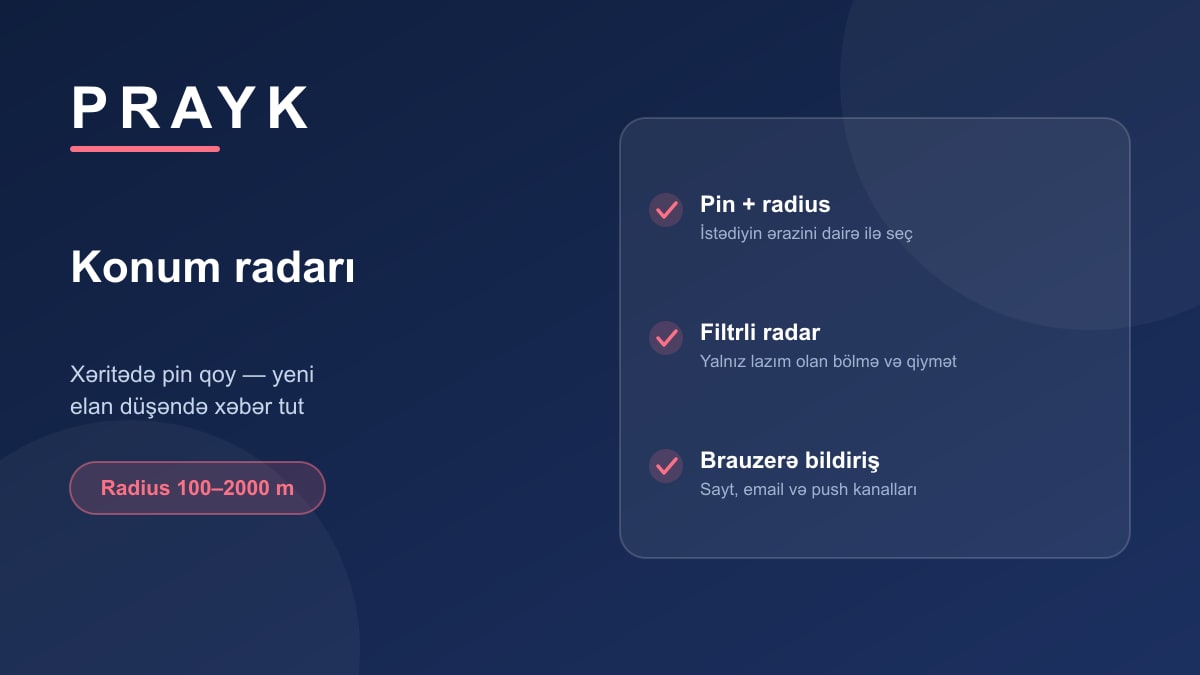
Good listings go fast — rentals above all: posted in the morning, taken by lunchtime. Instead of refreshing the site every hour, set up the location radar: choose the area once and let the system do the rest.
Setting it up
Open the Location radar section in your cabinet, drop a pin where you want it and pick a radius — from 100 metres to 2 kilometres. Name the radar ("Near the office", "The kids' school"), choose the section and price range you care about. Done.
You can run several: one around work, one for the district where your parents live, one for the stretch of coast where you're hunting a summer house.
How the alert reaches you
The moment a matching listing is published inside the radius, an alert is created. You choose the channel: the notification centre on the site, email, or a browser notification that arrives even with the tab closed. If several listings land on the same day they are bundled into one message — your phone won't buzz all day.
Check the area before you commit
The radar panel shows what surrounds that point straight away — shops, schools, parks, metro. So you pick the area with its amenities in view rather than blindly. How that block is calculated is explained in our article about the map.
Who it's for
- Anyone hunting a rental in one specific district — the first caller wins;
- Business owners waiting for a unit or office on a particular street;
- People after land or a country house — those listings are rare and easy to miss.
Set up your first radar — it's free and can be switched off at any time.