Post from a link: move your listing from another site to Prayk in one step
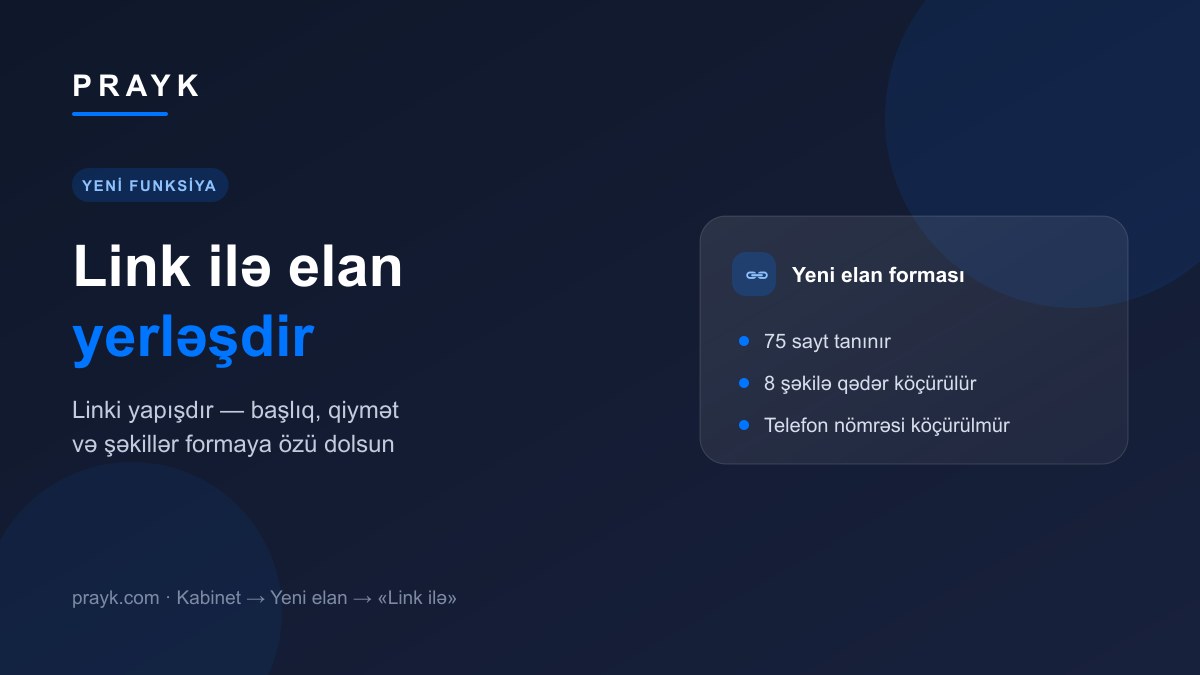
Already listed on another site? You no longer have to type everything again. In the new listing form, paste the link and press «Check» — the title, description, price, city, category and photos are filled in for you. All that is left is to review and publish.
Three steps
- Paste the link. Open a new listing in your cabinet, choose the «From a link» path and paste the listing address into the field.
- Press «Check». Prayk finds the listing and shows a short card: photo, title, price and the name of the source site.
- Press «Add». The data goes into the form — title, description, price and currency, city, category, attributes and photos (up to 8 images). Change whatever you want and publish.
Which sites are recognised
75 sites are recognised today: classifieds portals, official retail catalogues and specialised platforms. The full list is on the «Check by link» page, and if you paste an address from a site we do not follow, the form shows the supported ones right away.
What is copied and what is not
What is copied is the public part of the listing: title, description, price, city, category, attributes and photos. The phone number is never copied — the contact number is entered by whoever publishes the listing.
If the listing is already on Prayk, no draft is created: the form shows the existing listing instead. That way the catalogue does not end up with two copies of the same ad.
One rule applies: only move your own listing. The text and photos come from the public page of the source site, and responsibility stays with whoever publishes. Always check the price and description before publishing — the data on the source may be out of date.
If we do not have the listing yet
Sometimes a link points to a listing published moments ago that Prayk has not seen yet. The card then says «Fetching from the source…» and the listing is read from the source right away — usually 15-30 seconds. After that the «Add» button becomes active.
The other side — for buyers
This feature is for sellers. For buyers there is «Check by link»: paste a link to a listing you saw elsewhere and see whether it is on Prayk, who copied it and which source came first. More on that: how checking by link works.
We wrote about the other changes to the listing form here: the listing form has been updated.