New categories for course listings: computers and programming, exam preparation, courses for kids
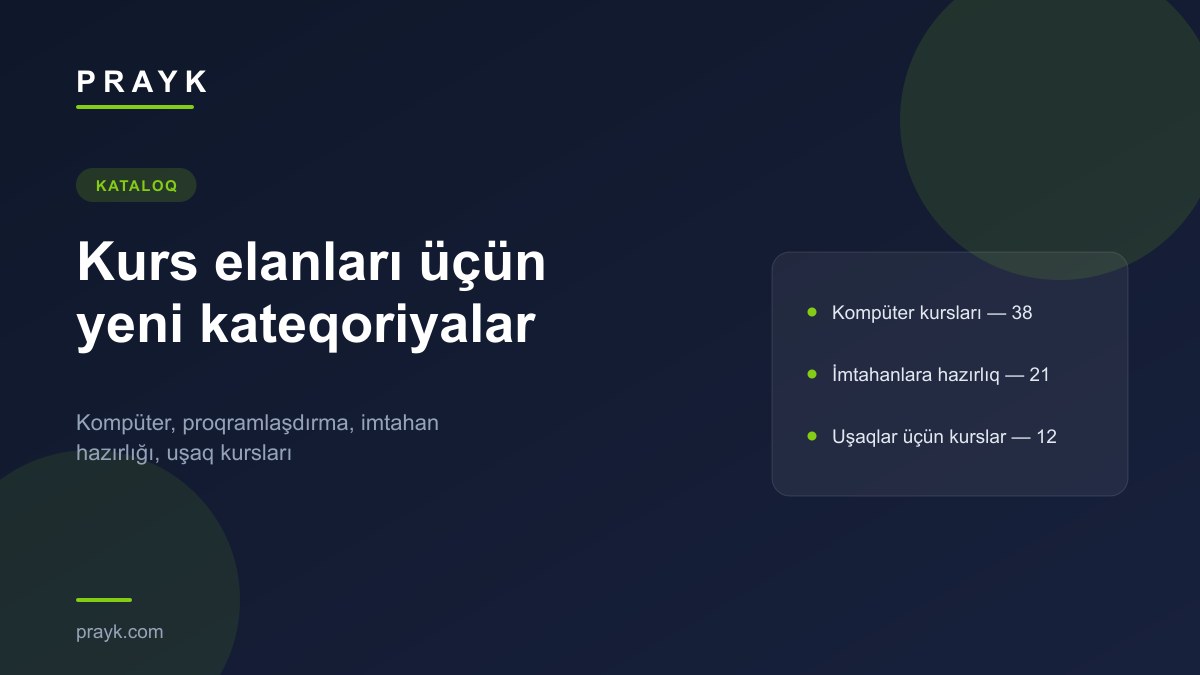
People looking for courses and people offering them ran into the same problem: a listing for a computer course, exam prep or a kids’ club got lost in broad categories such as “Other” and “IT, Business”. Since 24 September the Education and Courses section has a dedicated place for them.
The new categories
| Category | What it is for | Listings (27.09.2026) |
|---|---|---|
| Computer Courses | office software, graphic design, drafting and 3D software, video editing | 38 |
| Programming Courses | programming languages, web and mobile development | 7 |
| Exam Preparation | preparation for entrance, school-leaving and certification exams | 21 |
| Courses for Kids | children’s clubs and development courses | 12 |
In addition, the “Design, Drawing” category has been renamed “Design Courses, Drawing” — its address is unchanged, so old links still work. The whole Education and Courses section currently has 277 listings; the largest subcategory is foreign languages, with 131.
What is on offer today
Computer courses include graphic design in Photoshop, CorelDRAW, Illustrator and InDesign, AutoCAD, ArchiCAD and 3ds Max, video editing in Premiere and After Effects, and Microsoft Office courses. All 38 listings are in Baku; the median listed price is 135 AZN, and half of them sit between 100 and 150 AZN. The median is the value in the middle of the sorted list of prices, so a few very expensive or very cheap listings do not move it. Check the listing text to see whether the price is for the whole course or per month.
How to post a course listing
- Open the listing form — you can start without registering; confirmation is one step at the end.
- Choose Services → Education and Courses and the right subcategory; you can also search for the category by name in the form.
- Put the course name and main software in the title, e.g. “AutoCAD 2D/3D course”. In the description, give the duration, lessons per week, group size and whether a certificate is issued.
- In “Service format” choose how lessons run, e.g. “Online (remote)”, and in “Price basis” how the price is set: “Per hour”, “Per day”, “By agreement” and so on.
- Add photos — a classroom, students’ work or a sample certificate make the listing more convincing.
The general step-by-step guide: how to post a listing on Prayk.
Where to find it
The section: Education and Courses, inside Services. There is also a separate section for tradespeople and private services: Masters.