The Masters section has been rebuilt: a simple panel for finding a tradesperson, and an identity of its own
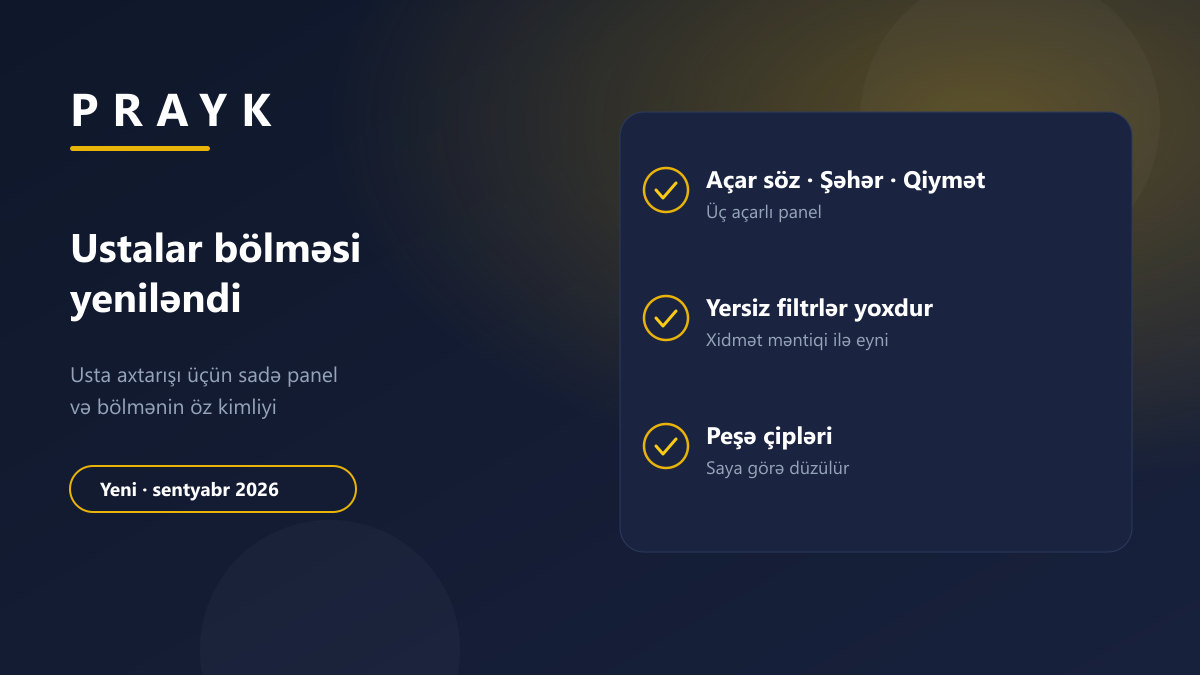
In September we rebuilt every root section of Prayk. The Masters section was split out of Services earlier this month into a root section of its own — and has now taken on the full "own site" look: its own header, its own colour, its own menu.
1. The section's own identity
The section colour is "hard hat yellow" — the association with tools, workwear and repairs. The dark panel at the top of the page shows the section name, the number of active listings and the trail inside the section; the content background carries a soft tone of the same colour. The panel is compact: the first row of listings stays on screen when the page opens.
2. Trade chips
The chips under the panel show the current level — trades at the root (plumber, electrician, air conditioning specialist, furniture assembly, construction and repair and others), an "up" link plus children inside a subcategory. With more than eight of them the order follows listing counts, so the trades with the most masters come first; "Other" always stays at the end.
3. A three-key search panel
Finding a tradesperson does not call for a complex filter — the question usually sounds like "an air conditioning specialist in Baku, Nizami district, roughly how much?". So the panel has three keys: keyword, city and price. The "More" button opens the current category's own fields and the seller type. The number of matching listings is shown above the button.
4. Product filters were removed
After the split, the general toggles were still sitting on the section: "Delivery", "Discount", "Credit", "New / Used", "Good deals". None of them is filled in on a master's listing — picking one emptied the result. They are all gone. The rule is the same across the site: only a filter that returns results stays on screen.
5. The header and search stay inside the section
On a computer the top row turns into the section's menu: the badge and name next to the logo, the trade categories in the second row. The search box at the top searches inside the section: type "tiles" and you get masters rather than the whole site; the cross on the chip widens the search again.
6. The mobile app works the same way
The section header, the search card and the colour were ported to the app.
If you are a master
Post your own listing — the new listing form starts with a photo, and the artificial intelligence drafts the title and description. When the owner posts the listing themselves, the card shows a "From the owner" badge and the listing takes a top slot in the section feed for the first 48 hours — we wrote about that separately.
What has not changed
The address is the same: /masters and every subcategory. Saved links and favourites keep working. What changed in the other sections: Services and Jobs.