For a new account: the "Let's get started" card, automatic claiming by phone number and a first-listing reminder
The vast majority of new users post a listing within an hour of signing up — that is what they come to Prayk for. But the first screen they saw after publishing used to be the paid-packages dialog. In September we rebuilt the first day.
1. Welcome gift (discontinued)
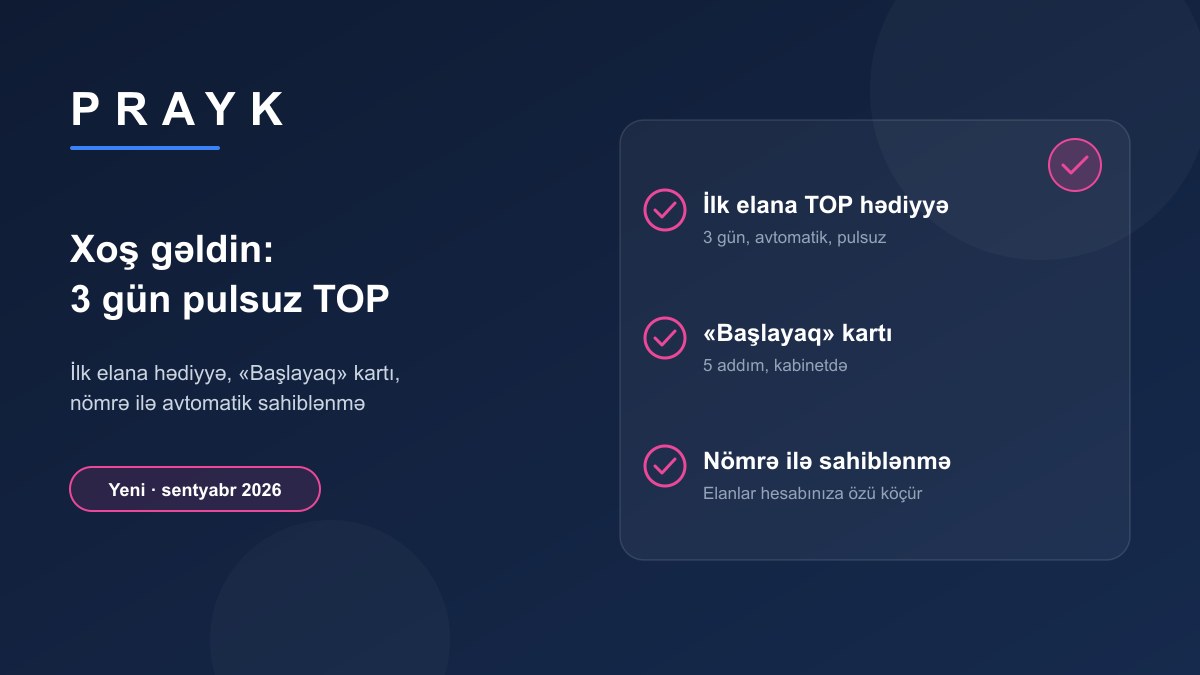
From 12 to 22 September a new account's first listing automatically received 3 days of free TOP. The campaign was stopped on 22 September — gifts already granted remain in force until they expire. About the packages: Pricing.
2. The "Let's get started" card
Where: on the cabinet's main page above the listing list; in the mobile app, in the "My listings" header.
How it works: five steps and an "N/5 steps done" indicator: post your first listing; complete your profile (name and photo); collect what you like into favourites or save a search; invite a friend (a bonus for both of you); set up your store (offered after three listings). The "Go" button on each step leads straight to the right place. The card can be hidden with "Close" and disappears by itself once the steps are done. The referral programme is visible outside the cabinet menu for the first time, in plain sight.
3. Automatic claiming by phone number
Where: at sign-up or sign-in — with a verified phone number.
How it works: most listings on Prayk are collected from open sites, and they carry the seller's number. When you create an account (or sign in) with a number verified by OTP, the system finds the collected listings with that number and moves them to your account within a few minutes. A notification arrives — "N listings were moved to your account" — and a block appears in the cabinet: "These listings were found by your number and are now yours — check the prices, photos and descriptions, and deactivate the ones already sold". From then on the listings run under your name: the "From owner" badge, messages and phone-view notifications come to you, and you can edit or delete the listing yourself. It also works without signing in: on the Claim by phone page enter the number and confirm the SMS code — same result.
4. A reminder for those left without a listing
If you have not posted a listing after signing up, we remind you once after a day and once after a week: "What would you like to sell? Post your first listing — it is free and takes a few minutes".
What to do
Create an account, start your first listing from a photo — AI prepares the title, category and description (see "How to write a good listing").