My listing is on Prayk but I never posted it: claim by phone number, remove it or leave it
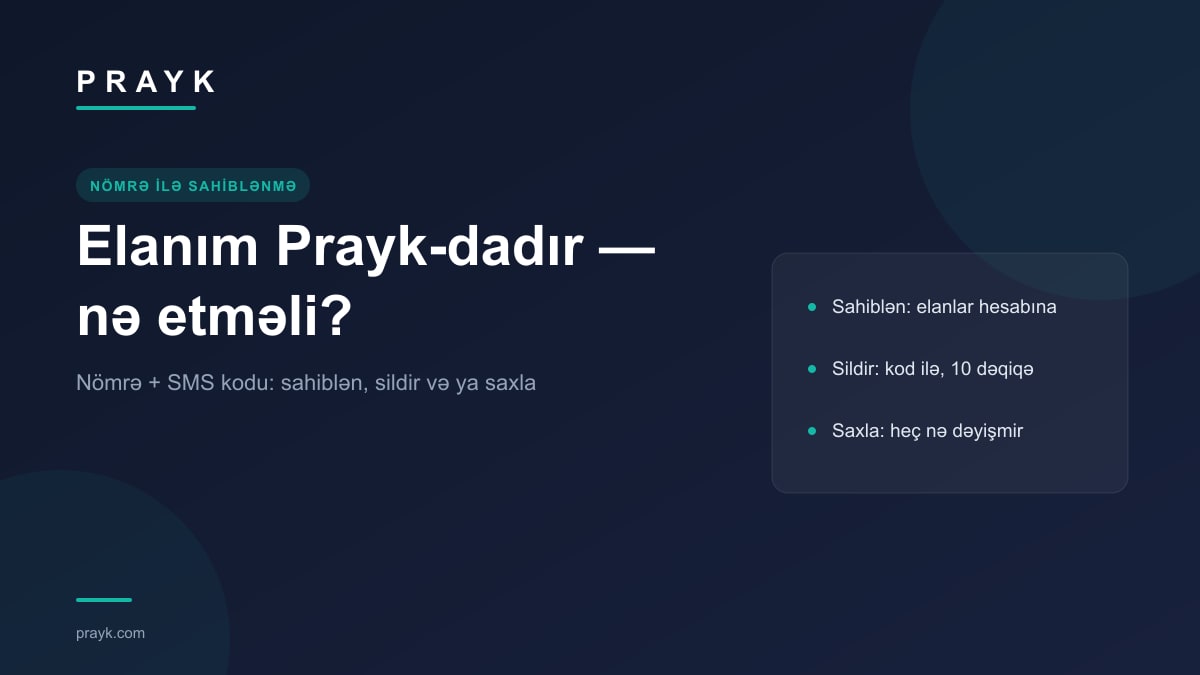
Most of the Prayk catalogue is collected from public sources, so a seller sometimes finds their own listing on Prayk and says: “I never posted this.” There is a dedicated page for exactly that: prayk.com/claim. You enter only the phone number shown in the listings, confirm the code that arrives by SMS, and the listings either move into your account or are switched off. There is a third option too: do nothing. This article covers the steps of all three options, what you gain, how long it takes and the privacy rules.
How my listing got onto Prayk
Our sources and the checks every listing goes through are described openly in “Where do Prayk listings come from?”. In short: the listing is taken from a public source together with your number, the listing page shows a “Listing source” block (source site, link to the original, author name), and buyers call the number in the listing directly. Such a listing page also carries an “Is this your listing?” card — that is the path that starts from one specific listing. The /claim page starts from the number instead: you do not need to search for your listing, every listing tied to one number is found in one go.
Option 1: claim — the listings move into your account
- Number. The page opens in the “I want to claim them” mode. Type the number the way it appears in the listings — the 055…, +994… and 994… formats are all recognised.
- Code. After “Send code”, the SMS goes only to that number; you cannot choose a different one. If there are no unclaimed listings for the number, no SMS arrives.
- Confirmation. Enter the code and press “Verify”. If there is no account with this number, it is created at that moment; if there is one, you are signed in to it. All of the seller's listings (and the store, if there is one) move into your account, and the screen shows how many listings were transferred. The whole process takes about a minute and there is no charge.
What changes after claiming: the listings appear in your cabinet under “My listings” — editing, price changes, deactivation and deletion, bumping and view statistics are in your hands. The card gets the “From owner” badge, and the listing can reach the home page feed, which is built only from owner-verified listings (separate article). The “Listing source” block and the “Is this your listing?” card are removed from the listing page. Buyers' messages arrive in “Messages” in the cabinet; there you will also find an explanatory message from the official Prayk account — a question or a complaint can be written straight into that conversation. If the account was just created, the profile name is filled with the seller name from the listing. If your listings are in the Masters or Services sections, the result screen also shows a “Set up my schedule” button. What the “From owner” badge gives you in the feed: the “From owner” badge.
If you already have a Prayk account and have signed in to it with a one-time code sent to that number, the link-up has usually happened automatically — the cabinet shows a “listings were moved to your account” notification. And when you start from a specific listing, the SMS carries a link along with the code: tapping the link is enough, you do not have to type the code.
Option 2: remove — no account is created
The same page has an “I want my listings removed” mode (direct link). You enter the number, a 6-digit removal code arrives by SMS; the code is valid for 10 minutes and is cancelled after 5 wrong attempts. Once the code is confirmed, every listing brought in with this number is switched off (the switch-off finishes in the background), the screen shows how many listings were switched off, and listings from this number are not imported again. No Prayk account is created and nothing is asked of you.
An honest note: after this option, signing in to Prayk with that number is no longer possible either — the decision is not reversed on its own. If you change your mind, pick the “My listing was taken without permission” topic in the contact form and write to us — we will restore the listings. If the code does not arrive, the same form works: every request gets a number and goes into the queue (article about the form).
Option 3, privacy and the 6 October snapshot
If you do nothing, nothing changes: the listing stays with its source block, buyers call your number directly, no account is created. The “Is this your listing?” card stays on every listing page, so the decision can be made at any time.
The privacy rules are built into the code: the response to “Send code” is the same whether or not the number exists in the database — this page cannot be used to check “which numbers are on Prayk”. The code goes only to the number in the listing, the number is not shared with third parties and is shown masked on the listing page. Limits: no more than 3 codes per minute and 6 per day for one number; verification attempts are limited too.
In numbers: on the morning of 6 October 2026 the catalogue holds 676,363 active listings, of which 33,194 are owner-verified — either posted by the seller or claimed. On 27 September that figure was 27,446. If your listing is in the catalogue, choosing one of the three options takes a few minutes: prayk.com/claim.