"Good news": a price-drop alert for favourites, a no-account section subscription and a market-price badge on the listing page
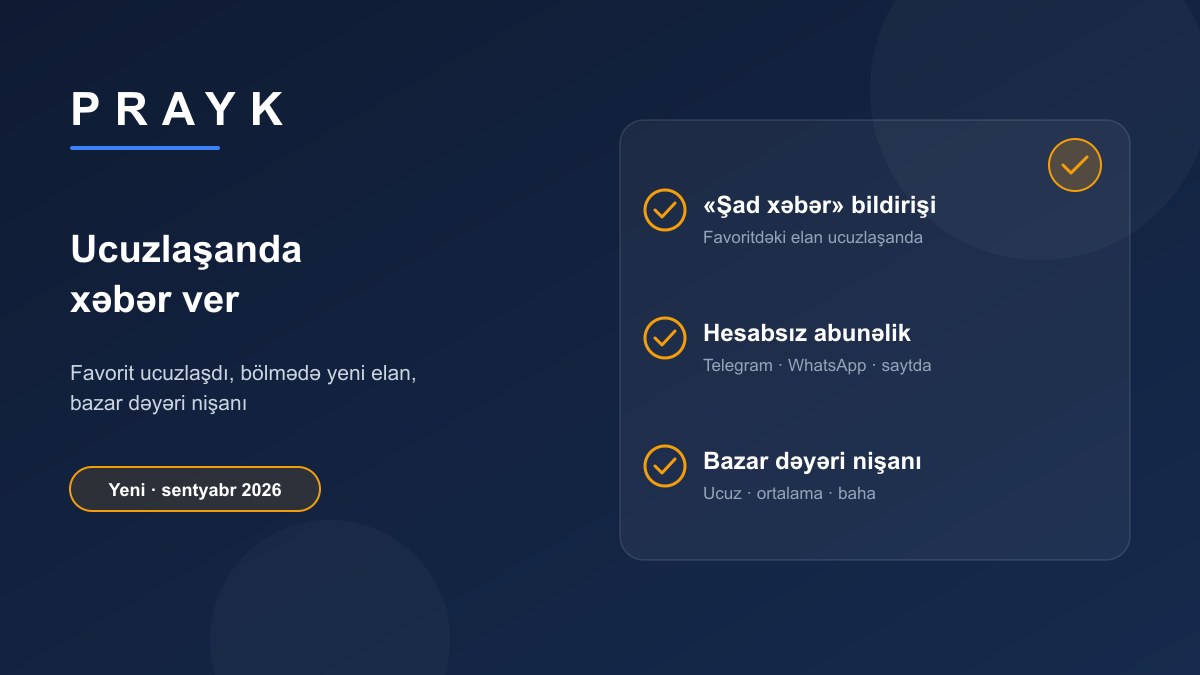
A buyer has two most valuable moments: when a listing they like gets cheaper, and when a new listing appears in the section they are watching. In September we built notifications for both, and added a badge on the listing page that shows at a glance where the price sits against the market.
1. A favourite got cheaper — "Good news"
Where: the notification bell on the site, mobile push and email.
How it works: when you add a listing to favourites, Prayk remembers the price at that moment. As soon as the price drops by at least 5% from what you saw, a notification arrives: "Good news! The price of the listing «…» in your favourites dropped from A to B — take a look now". The comparison is made against the price you saw, not the seller's last edit. Unrealistic drops (over 60% — usually a typo) do not become notifications. An email for one listing arrives at most once a day. This also works for collected listings: when the price changes at the source, Prayk sees it on the next sync and writes to everyone who has the listing in favourites. Channels are chosen in the Notifications section, "Price" group.
2. A new listing in a section — subscription without an account
Where: on the listing page — a card that appears when you view a second listing in the same section: "Get notified when new listings appear in this category?".
How it works: no account needed. Three channels: Telegram — the button opens the bot, you press "Start", the subscription is active; WhatsApp — you enter your number; Site notification — if you have an account. It is sent once a day and only when there really are new listings in the section — no empty messages. In Telegram you stop it with the bot's "/unfollow" command. Unlike the Location radar and saved searches, this needs no filters at all — the section is enough.
3. A prompt at the right moment
When you come back to the same listing a second time, Prayk reminds you in one line: "You are viewing this listing again — add it to favourites and we will tell you when the price drops". The "Alert me on price drop" button adds the listing to favourites; if you are browsing without an account, sign-in is offered and the favourite is kept after it. After adding a favourite a different question appears: "Have one of these too?" — post your listing in a minute, there are buyers in this section; or add the item to My things and track its value. These prompts show at most once a day.
4. The market-price badge
Where: on the listing page next to the price; in the mobile app too.
How it works: Prayk compares the listing price with the median of similar listings in the same section. A ±10% band around the median is "Average market price"; below it — "Below market price", above — "Above market price". The "See all market prices" link under the badge leads to the Market prices page. The figures are asking prices — what sellers want, not actual deal prices; to refine that we took a separate step (see "Was it sold?").
All together
A buyer's typical path: browses a section, returns to one listing a second time — presses "Alert me on price drop"; sets up a Telegram subscription for new listings in the section; a week later gets two messages — one about a price drop in favourites, one about new listings in the section. The full list of notifications: "Prayk notifications".